Wait…what? Sorry, my two brain cells isn’t working right now.
Yeah it’s so player don’t get stuck on accident.
1 Like
i got a question.
could you explain this differently?
i kinda don’t really understand it.
(or show me pics)
Oh mb.
Ok. Grab 2 triggers. Basically, have the trigger trigger on 1,2,3 or something like that. I just learned today how a device can activate on more than one channel
Anyways, have the first one trigger another one. The idea is that it works like a circle.
1st trigger -> 2nd trigger
2nd trigger -> 1st trigger
Anyways, have at least one of these triggers have a delay of 1 sec. Then, wire the trigger with a delay to a counter whose value is 15. Have it decrement every time it’s triggered. Give it a target value of 0, and have it broadcast on something like deactivateBarrier or something when target reached so the barrier deactivates and the player is free.
That works too. However it is mainly discouraged for new users to use since it takes up a lot of memory. 500 per device.
1 Like
you could use a repeater to run 15 times. each time it repeats increment a counter that starts at 0. add a target to the counter to 15. when it reaches the target reset deactivate the barrier and reset the counter
1 Like
really? I didn’t know that. I was just suggesting a repeater because it might be simpler than a trigger loop.
alright.
lemme test that out.
I got 1 more question.
How do i make a cooldown on the chare spawning?
how do i make the game overlay cd to like 90 seconds?
It is. Trigger loops and repeaters both have their disadvantaged, but most people prefer everyone to use trigger loops since it breaks any possible bad habits of being prefered to repeaters.
uh so i tested it out,and it shows the notification that the chair spawned,but the waypoint doesnt appear,and none of the 3 chairs spawned.
Hide the overlay when it’s clicked and show it when it receives a channel
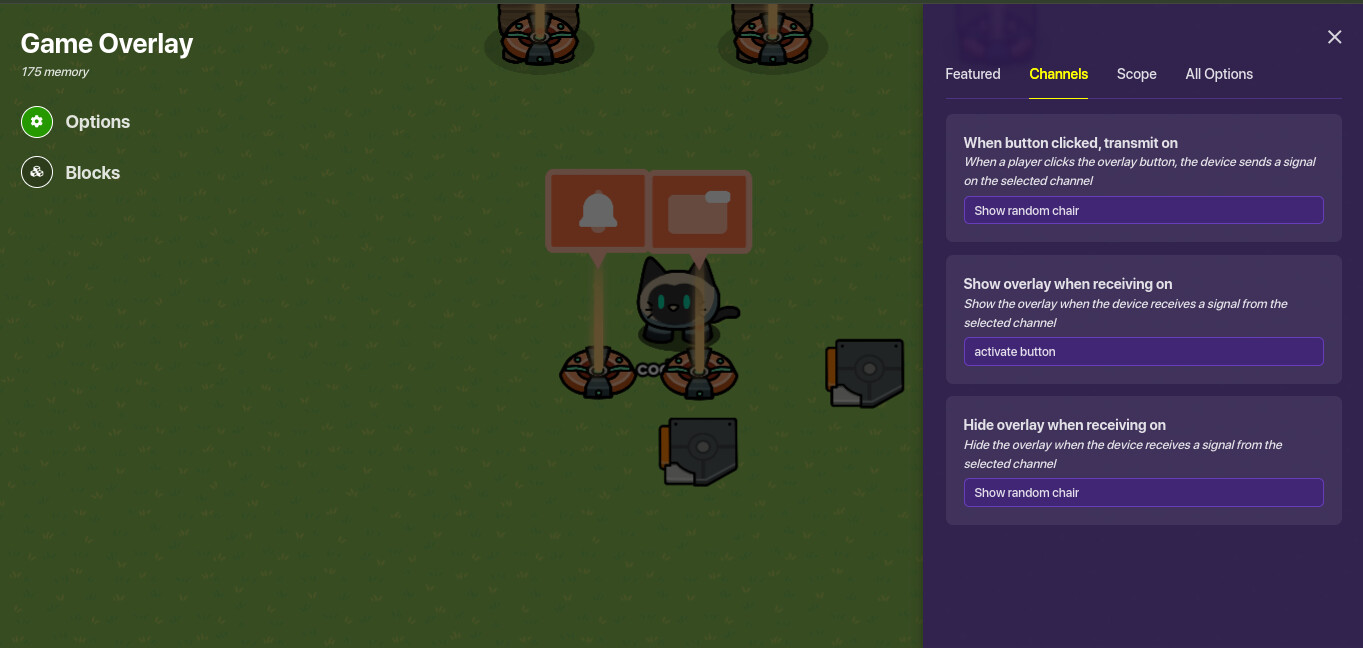
Then make another trigger that’s not visible on game start and not triggered by player collision and set it to these properties
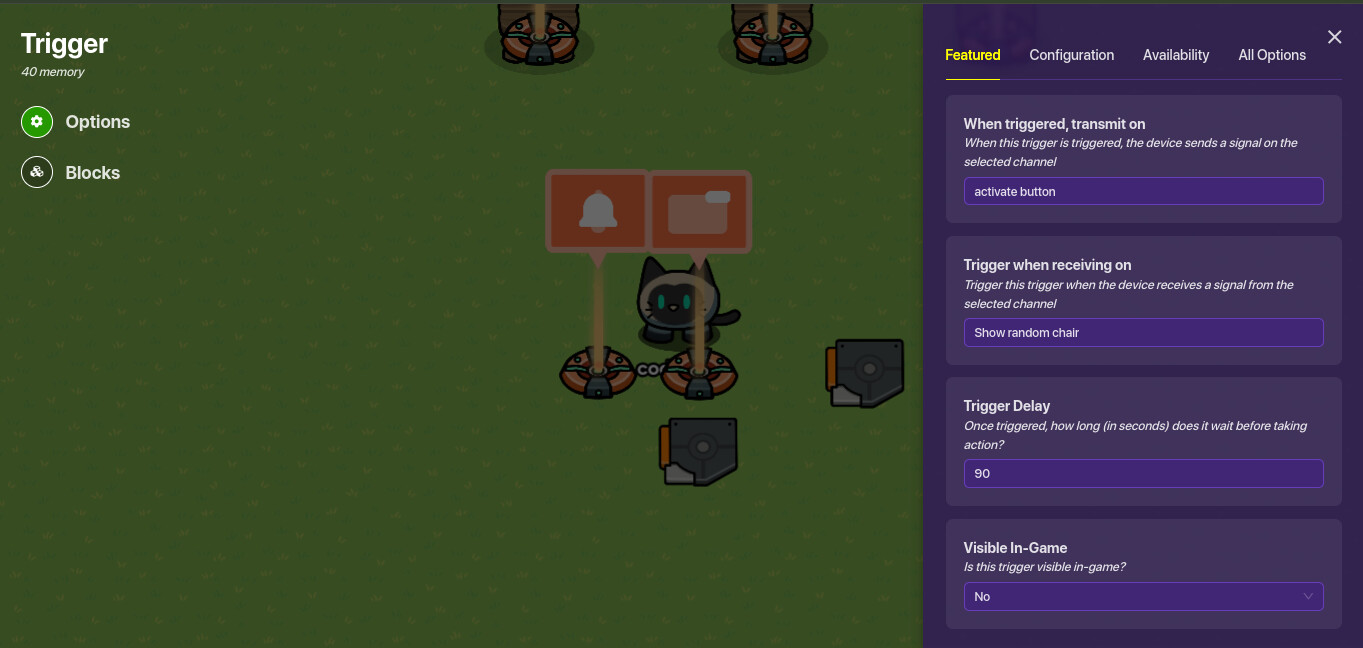
1 Like
I guess but sometimes repeaters are easier/easier to see what’s happening if something breaks
1 Like
it works for me try checking all the properties to make sure you did it right.
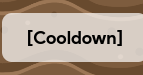
no,but i want a text on screen where the button was that looks like this:
i can’t find anything that looks wrong, but obviously, something’s wrong.
idk if you want to do it but you can delete it and recreate it again?
alright, so i got it to work
(partially)
the only thing that is not working, is that it lets you walk out of the barrier,even though it is activated.
You’d have to ask toothless about that I don’t rlly know what he did.
alright, so for some reason, it lets me walk out of the barrier,even when it’s activated.
That’s probably cause you spawned inside it, there’s no way to fix this as far as I know
alright.
i’ll try to make it work.