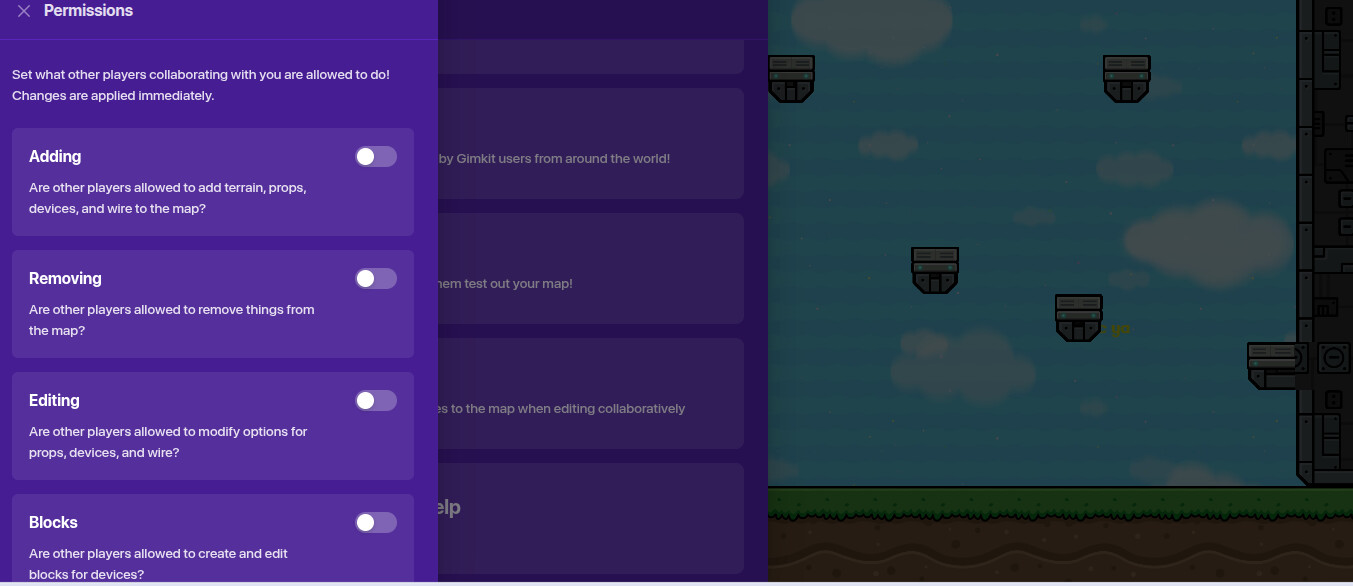
go to permissions
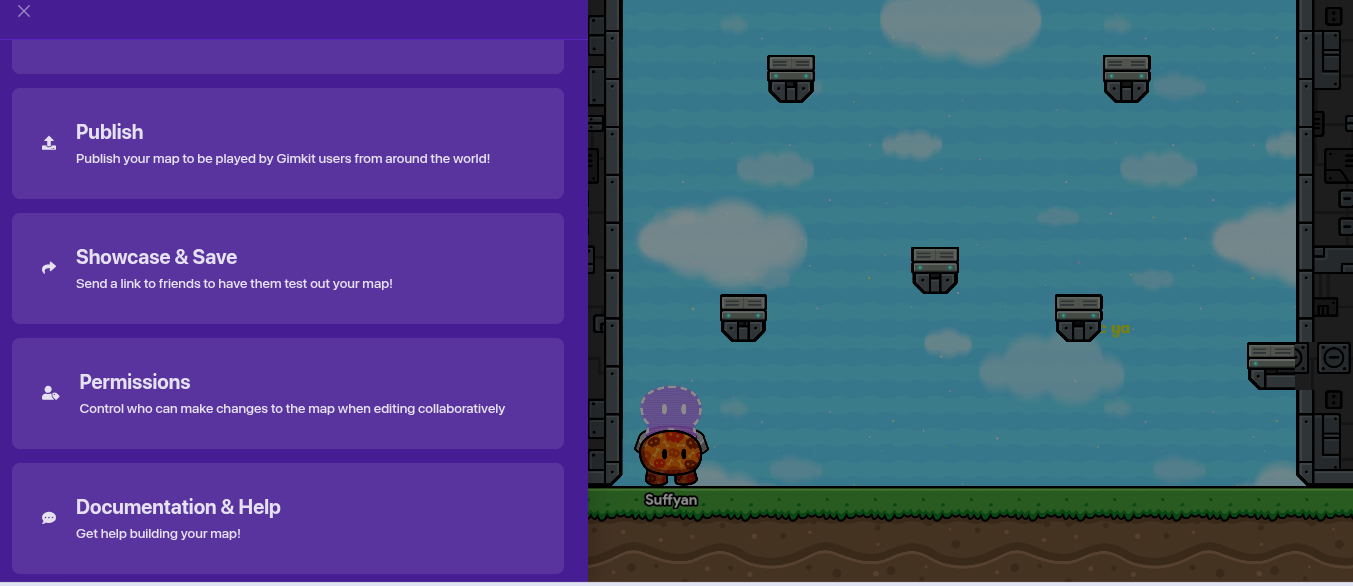
then go here and check everything
And then I just put it in my bio?
Yes, put the join code in your bio after that. NOT THE SHOWCASE LINK
Is that the simplest way possible
copy the jo1n link

paste it in your bio in the profile section
and save changes
and the code is not valid also
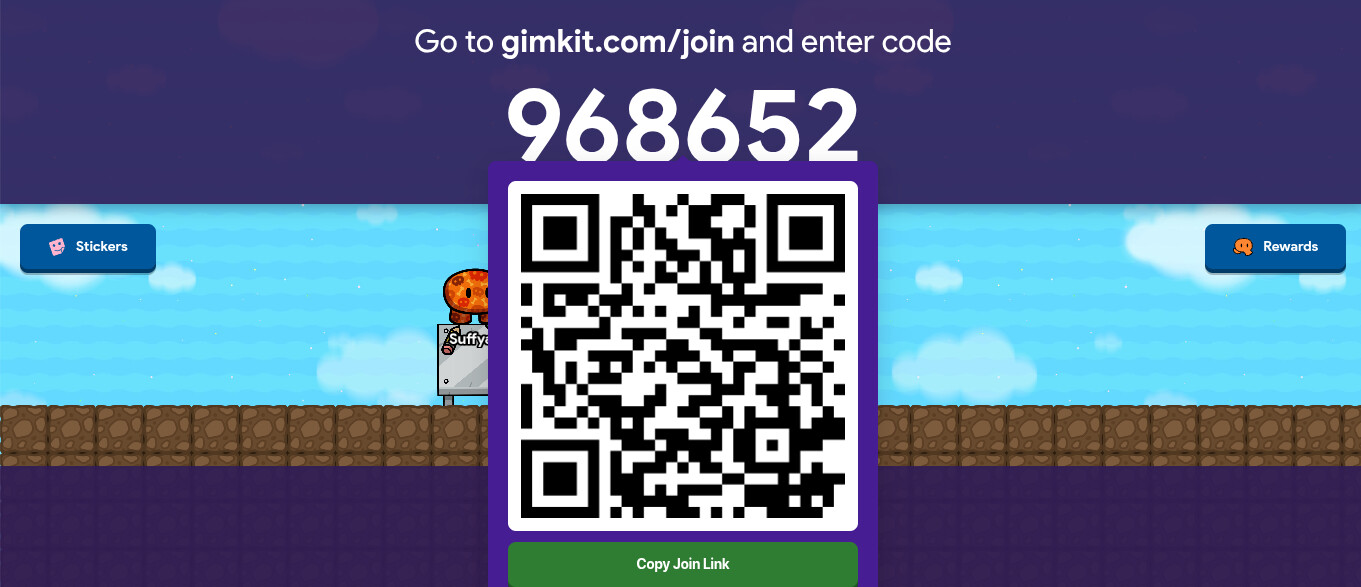
You see the game code at the top of the game? Click it, then click the qr code, it will copy the link.
Then go to your profile tab in your gimkit forum settings, and put the join link in the link section, then press save changes.
will the code still be valid if I close out of the gimkit tab?
no it will not be valid
Then How do i make it so it is always valid even when my laptop is shut?
That’s impossible.
Blackhole’s quote doesn’t apply to things that Gimkit has coded to be impossible.
The nolt?
you cant do that, because you are the owner of the game, so you have to be there to give the j0in link so they can edit with you.
NOTHING IS IMPOSSIBLE… remember that…
Its impossible, for now…
So then there is no solution.?.
you can do it, but not when your laptop is closed
Technically, it is possible.
First, you need to be on a computer,
Second, download a macro (a software that runs commands automatically)
Third, make it open a new gimkit game every 2 hours,
Fourth, make it paste the new link in your bio. (And save changes)
 The question that never will get answered…
You can email Jeffo and Josh at hello@gimkit.com and ask them to make this possible
I cant with this school computer. It is blocked for me
But what if they dont make it possible…