this is my first guide so please excuse mistakes
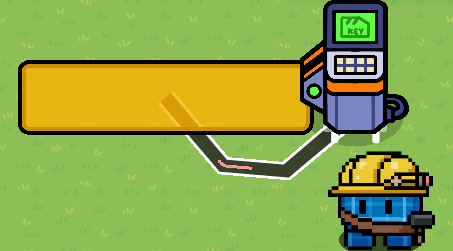
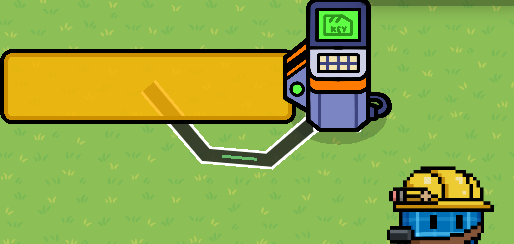
next you add a vending machine and change the appearance to not visible in game and place right next to the barrier
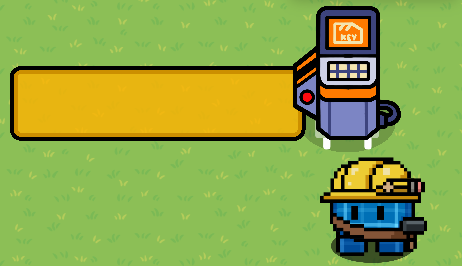
next you add a gate right in front of the vending machine and make sure the legs of the vending machine are sticking out from the bottom of the gate
next add another gate right in front of gate 1#
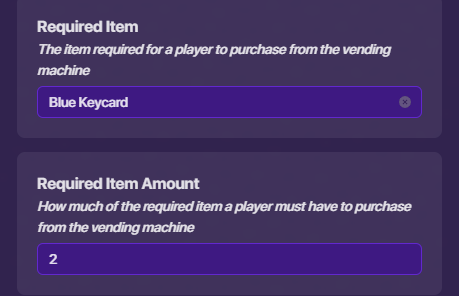
next go to the vending machine and put the required item as Example: blue keycard and put the amount as 2
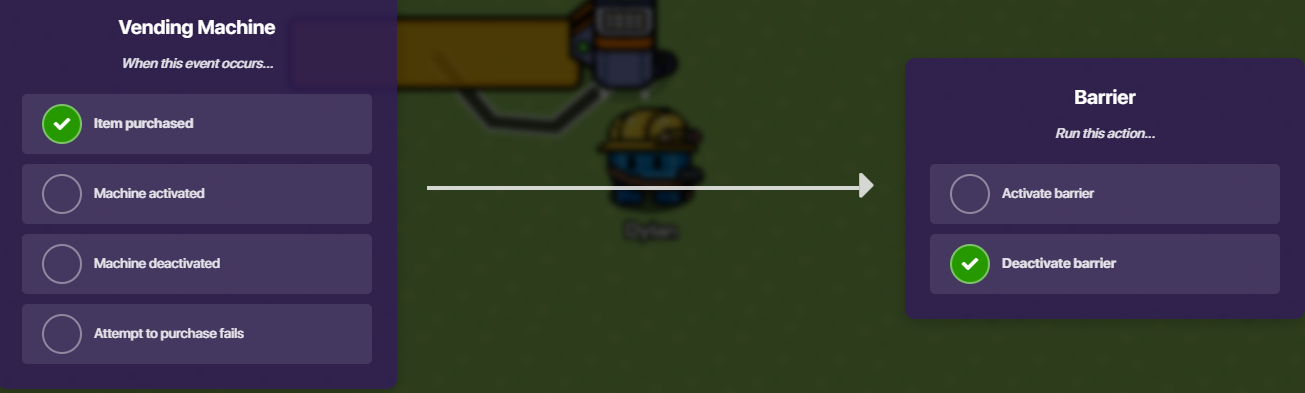
next go to wires and wire the vending machine to the barrier
next put the action as when item purchased deactivate barrier
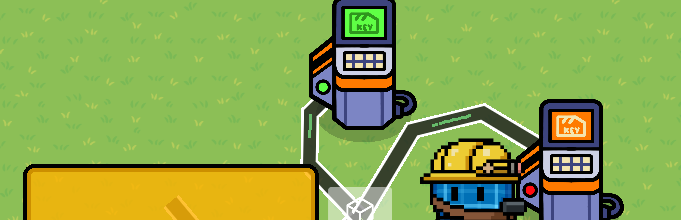
then go to wires and wire the vending machine to both gate consoles
next put the orange gate console wire to hide prop
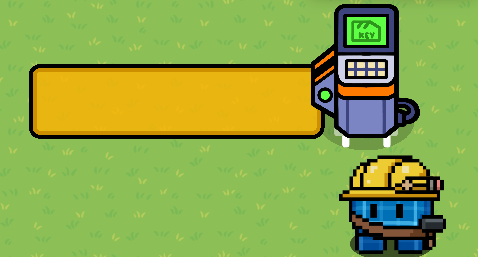
next put the green console on show prop when item purchased
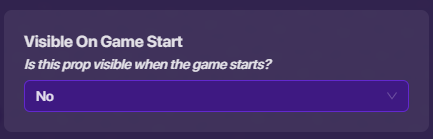
next click on the green gate console and put visible to no
next put everything like this
make sure you have 2 of the items in your inventory otherwise it will not work
Next click start and it should work if it doesn’t then read though the guide again if it still doesn’t work then reply and I will help you
thank you to those who read my guide
2 Likes
Duplicate guide
Place down a barrier of your choice and two buttons.
[image]
Wire the first button to hide the door when pressed.
[image]
Wire the other button to do the opposite.
[image]
Here is the finished product:
[image]
And that’s it! It’s pretty simple and it works like a charm. I hope this is useful for you!
And credit to @wingwave , @Magenta_Dragon , and @Rusty for previously making this guide.
There’s like 10 of these guides, and while some don’t have pictures, there are others that do. Please search before you post!
If this wasn’t a duplicate guide, I would say good work @CreativeGim . But sorry.
i changed name to barriergate
Still, it doesn’t matter. It’s a door in a basic sense, so it’s a duplicate guide. I’m sorry.
Search bar exists for a reason, please use it to search up related guides next time to prevent wasting efforts and creating clutters.
Additionally, this guide is way too simple, I doubt anybody don’t know how to make this, if you want to make a guide, try post out something that actually helps the community.
Thanks!
2 Likes
Last thing (thanks @notyoyo ):
ok i will make something diffrent
1 Like
system
October 9, 2025, 8:00pm
8
This topic was automatically closed 3 hours after the last reply. New replies are no longer allowed.