I’ll try to do this but it’s not certain
For @Serial_Destination_V
I can be your friend too!
I’ll try to do this but it’s not certain
I can be your friend too!
that looks really cool
alright 
Hey hey hey hey hey hold up! That’s my gim in there!
He was most likely using it as a reference
i think its a reference lol
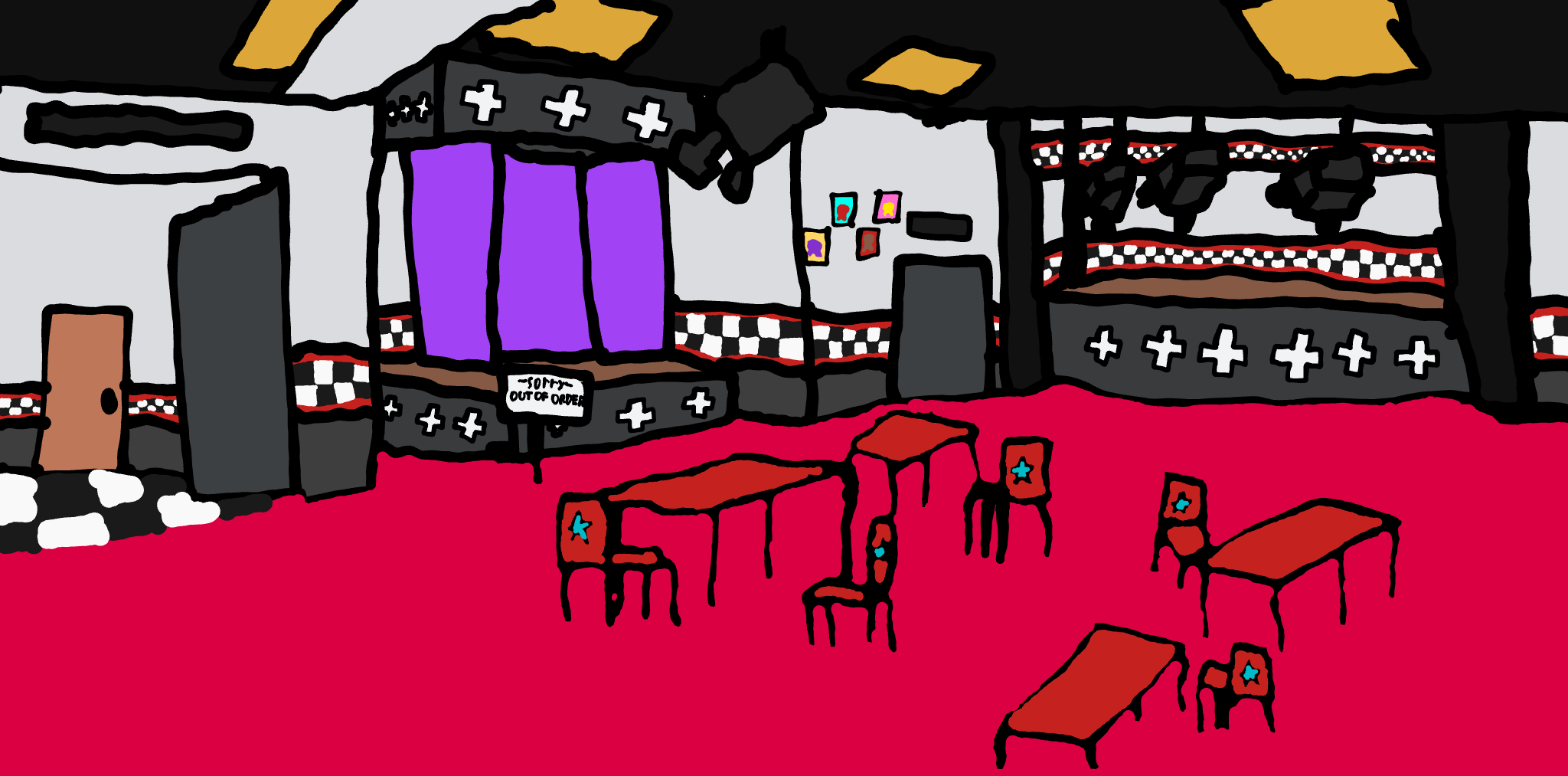
Update #9: Sing, Freddy, sing!
hi! I know I might be late to tell you this, but you can make the image look much neater if you use layers (and yes, they have a layering option) I used chrome canvas for a long time before I switched over to medibang. a word of advice when using layers, they can only be dragged with the mouse for some reason and there is a limit for how many you can have in a single drawing (although I don’t know the exact number)
this is just a simple suggestion, hope you have a wonderful day!
Oh yes I do use layers.
are you making sure the colors are under the outlines?
I will now. I can’t undo the last part.
okay, that makes sense sorry for being so late
also, if you have the colors already on a different layer, you can just move them down a bit
They’re on the same layer.
Ok, make the outline/lines in the above layer and then make the colors on a separate layer below
I don’t think I can do this anymore, I lost my layers because kleki reset itself, and i dont feel like doing this. Srry for the inconvenience.
Hey, that’s okay. Everybody meets challenges when making thumbnails.